Sunday, July 20, 2014

Redesigning the Message Counter App

With the developer release of Android L in June and the introduction of Material design, I've been thinking of redesigning the Message Counter app. Taking into account various principles mentioned and how they can be applied to this app, a few initial design thoughts are shared here.


Variations on the color scheme are given below.


So first impressions and suggestions will be very much helpful.

You can find the current Message Counter app here: https://play.google.com/store/apps/details?id=com.ae.apps.messagecounter

Wednesday, July 02, 2014

Material Design Wallpapers

So Google made the Android L developer preview last week. In a couple of screenshots, they had shown images based on material design and I thought they would look cool as wallpapers. So I created a couple of artworks based on them. You are free to use them as wallpapers or in other creative ways.

Up above you can see my current home screen, you may be able to spot a widget for MessageCounter which is in development as well. So without any wait, here are 2 images. Click on them for a full screen version and download to use them as you like.

The following images are licensed under Creative Commons license. http://creativecommons.org/licenses/by-sa/3.0/. You are free to use these images subject to the terms of this license.

Creative Commons License
Material design Wallpapers by midhunhk is licensed under a Creative Commons Attribution 4.0 International License.


Update: One more artwork is here. This one is my current wallpaper.

Watch out for more updates.

Update 2: The complete wallpapers and as well as future updates can be found at :  https://plus.google.com/photos/114665288998361746888/albums/6121148941176472961

Sunday, June 08, 2014

RoundedImageView in Android


The contact picture as it appears in Google+ inside a circle was part of the redesigned Random Contact app at the play store.

The solution was to create a custom View "RoundedImageView". Developed with help from stackoverlow.com, the custom view is released as an open source component that anyone can reuse.

RoundedImageView usd in Random Contact app
The RoundedImageView extends android.widget.ImageView and basically applies a circular mask over the image by overriding the onDraw() method.

This file is a part of the ae-apps-library project.

Source for RoundedImageView at https://github.com/midhunhk/ae-apps-library/blob/master/library/AeAppsLibrary/src/com/ae/apps/common/views/RoundedImageView.java

Saturday, May 24, 2014

PNR Status App

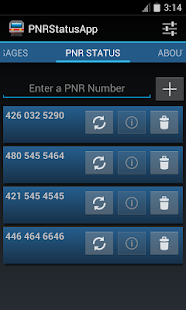
Finally the PNR Status App for Android was released on the Google Play Store a few weeks back. The latest version is 3.2 codenamed Marvin.

Don't worry about keeping track of your PNR Number or enter it each time you want to check the status. Use this app to store your PNR Number and check the status easily.
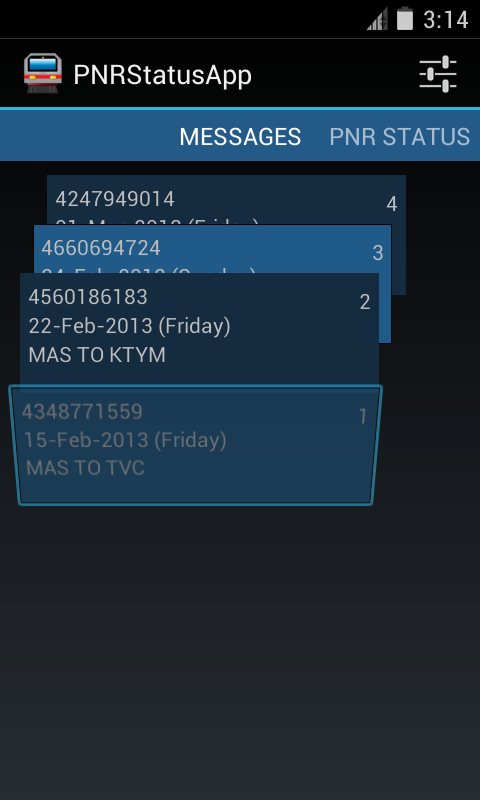
You can see a sorted list of ticket message details sent as confirmation for easily accessing your booking information.

Features:
- Follows Android Design principles
- High quality graphics and icon
- Multiple services to choose from
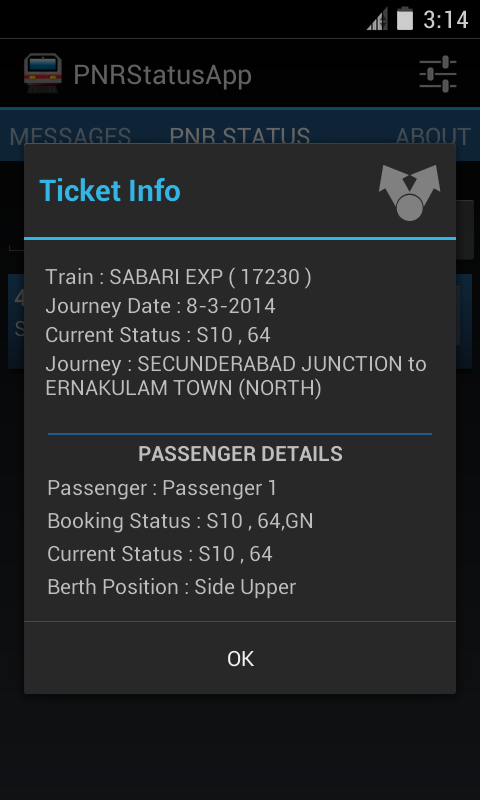
- Detailed PNR information
- Shows ticket information from IRCTC's SMS
- No Advertisments
- Free
- Open Source

Screenshots


Did I mention that this app is designed for tablets as well?
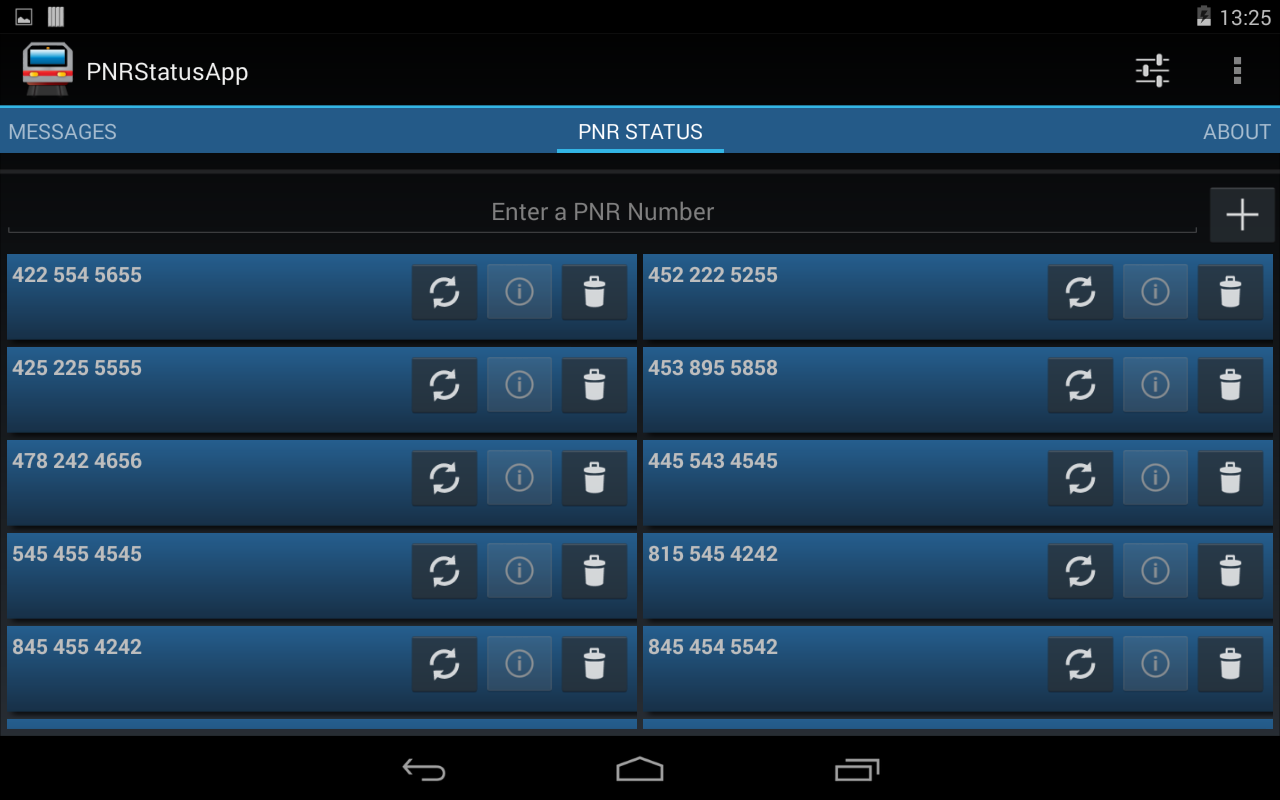
On a 7 Inch Tablet


This application is open source and free to use. The source code can be found at the following GitHub location. https://github.com/midhunhk/pnrstatusapp . Feel free to browse and

Find out more app details from https://www.facebook.com/AeAppLabs
Play Store Link: https://play.google.com/store/apps/details?id=com.ae.apps.pnrstatus.v3

Friday, January 17, 2014

Retracing the travel in Dan Brown's Inferno - Part 1


While reading Dan Brown's novel Inferno, I had the habit of checking the places and locations mentioned in the novel as the characters traveled around the beautiful city of Florence.

Having played Assassins Creed 2, which is also set in Florence reminded me of places that I had seen and ran (albeit, set centuries ago).

After completing the book, I learned about the Google Map Engine. An app where we can create custom maps. So I began this project of marking the places in the order that the characters took.

Because of time constraints and other commitments, I couldn't complete and share the Part 1 soon enough. Anyways, better late than never.

Part 1 of this project is completed and shared below. Have a look at it if you intend to read it. I will continue to work on Part 2.


https://mapsengine.google.com/map/edit?authuser=0&hl=en&mid=zqsMFuWb0NmE.koenj4cBUSA4